On-page SEO is everything you control directly on a single page: the title, the headings, the content, the images, and the links. It differs from off-page SEO, which involves things like backlinks from other sites. On-page SEO is a good place for beginners to start because you can improve it yourself, one page at a time.
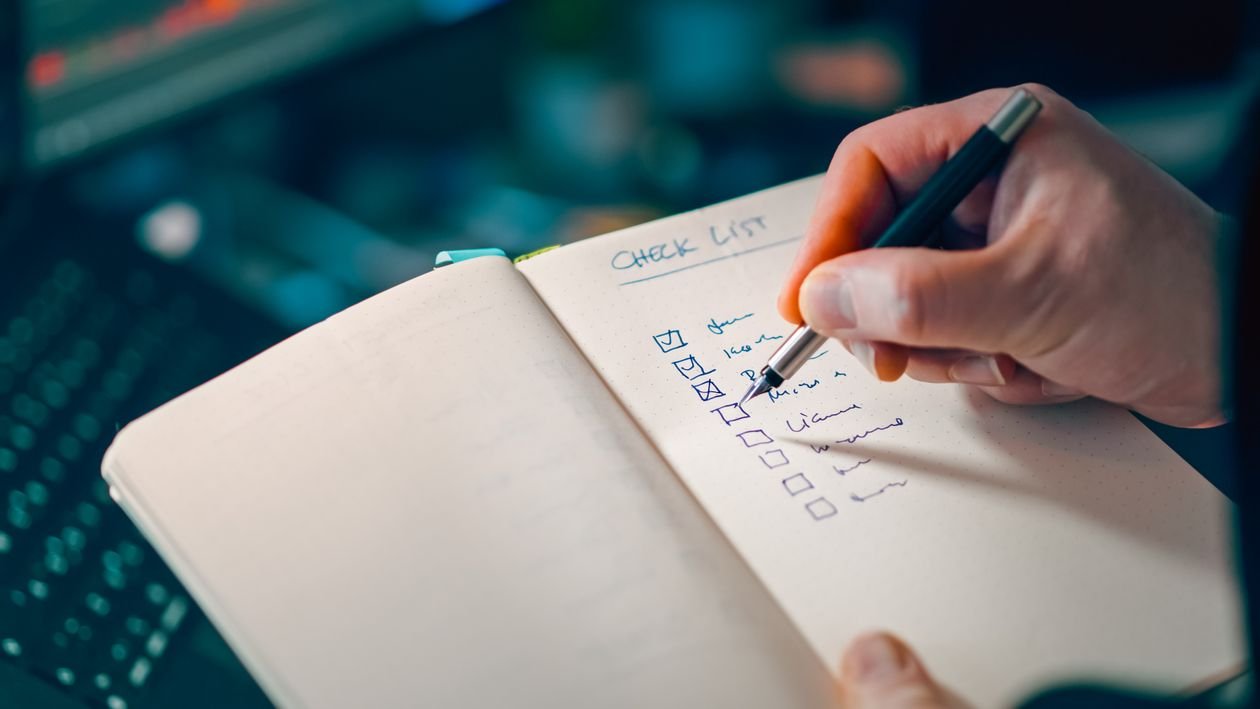
This checklist walks through the essentials in order. You do not need to do everything perfectly on your first post. Work through the list, fix the most important items first, and your pages will become clearer for both readers and search engines.
1. Choose One Main Topic Per Page
Every page should have one clear topic. If a page tries to cover five unrelated subjects, search engines may struggle to understand what it is about, and readers may leave confused.
Before you write, decide on the main keyword or topic phrase for the page. Related ideas are welcome, but they should belong in the same article. If you find yourself writing a long section on a different subject, that section might deserve its own post.
2. Write a Clear, Honest Title
Your title is one of the first things people see in search results, so it should describe the page accurately and naturally include the main topic.
Keep titles readable rather than stuffed with keywords. A title like “On-Page SEO Checklist for Beginners” works because it tells the reader exactly what to expect. Avoid vague titles like “Some Tips” or misleading titles that promise something the page does not deliver. Clicks that lead to disappointment usually lead to readers leaving quickly.
In most content systems, you can set a separate SEO title for search results. If you can, make it similar to your page title and under about sixty characters where possible, so it is less likely to be cut off.
3. Write a Helpful Meta Description
A meta description is the short summary that often appears under your title in search results. Search engines do not always use the description you write, but when they do, it can help readers decide whether to click.
Write one or two sentences that summarise the page and mention the main topic naturally. Think of it as a short invitation, not a sales pitch. Avoid repeating the same description on every page. Each page should have its own summary, just as each page has its own topic.
Most SEO plugins give you a field for the meta description when you edit a post. Fill it in before you publish, and check the preview if one is available.
4. Use Headings to Structure Your Content
Headings break content into sections, help readers scan quickly, and signal the structure of your page to search engines.
Use only one main heading, usually called H1, for the page title. Then use H2 headings for the main sections, and H3 headings for subsections inside them. Think of it like an outline: the title is the book, H2 headings are the chapters, and H3 headings are sections within a chapter.
Headings should describe what follows, not just repeat keywords. A heading like “How to Optimise Your Images” is more helpful than a keyword phrase with no context. Readers who scan headings should be able to understand the flow of the article without reading every word.
5. Write for Readers First
The best on-page practice is still the simplest: write clearly, answer the question, and organise your ideas logically.
Start with a short introduction that explains what the page covers and who it is for. Then give the most useful information early, rather than hiding it at the end. Use short paragraphs, simple language, and examples where they help. If a term might be unfamiliar to beginners, explain it briefly.
Avoid repeating your keyword unnaturally. Use it where it fits, and use natural variations and related words elsewhere. Readers notice forced repetition quickly, and it makes content harder to trust and harder to read.
6. Optimise Images Without Slowing the Page Down
Images make content more engaging, but large, unoptimised images can slow a page down, which frustrates readers.
Before uploading an image, resize it to a sensible width for your site and compress it to reduce the file size. Many free tools can do this in seconds. Use descriptive file names, such as “on-page-seo-checklist-example.jpg,” rather than “IMG_1234.jpg.”
Also add alt text to each image. Alt text describes the image for people who cannot see it and for search engines that cannot view it directly. Keep it short and specific, for example: “Screenshot of a blog post with clear headings.” A plain, accurate description is enough.
7. Use Internal Links and Simple URLs
Internal links are links from one page on your site to another page on the same site. They help readers discover related content and help search engines understand how your pages connect.
When you mention a topic you have already covered, link to that post using descriptive anchor text. For example, link the words “keyword research guide” rather than “click here.” A few relevant links are more useful than a long list of unrelated ones, and you should check that every link works.
Keep URLs simple too. Keep slugs short, lowercase, and separated by hyphens, using words that describe the page, such as “on-page-seo-checklist-for-beginners.” If you change a URL after publishing, set up a redirect from the old address to the new one.
Conclusion
On-page SEO does not have to be complicated. Choose one topic per page, write a clear title and description, structure your content with headings, write for readers, optimise your images, link to related pages, and keep your URLs simple.
Use this checklist each time you publish, and you will build a habit that improves every page on your site. Small, consistent improvements add up, and they give both readers and search engines a clearer reason to trust your content.